Step 1: Update to Latest Firmware
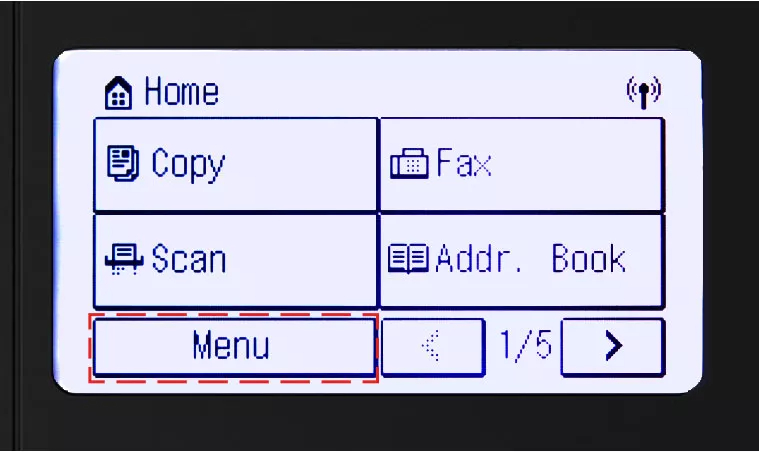
- Select Menu


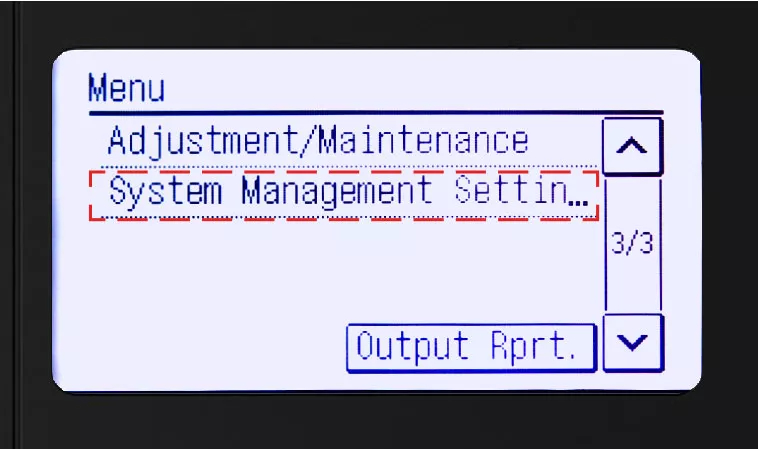
- Then select System Management Settings
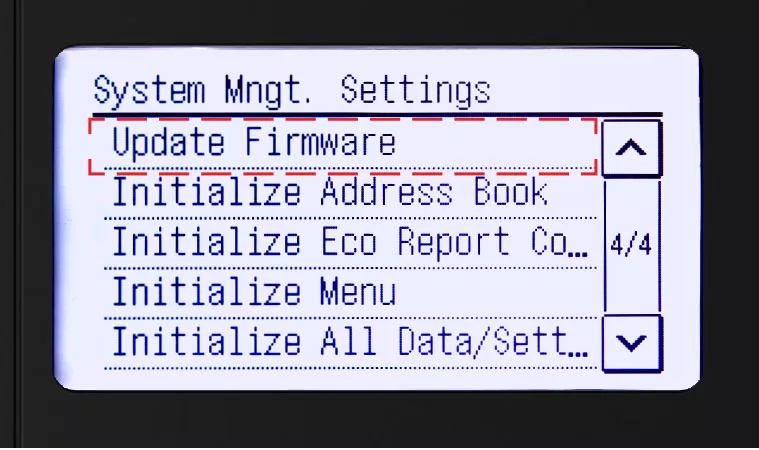
- Select Update Firmware
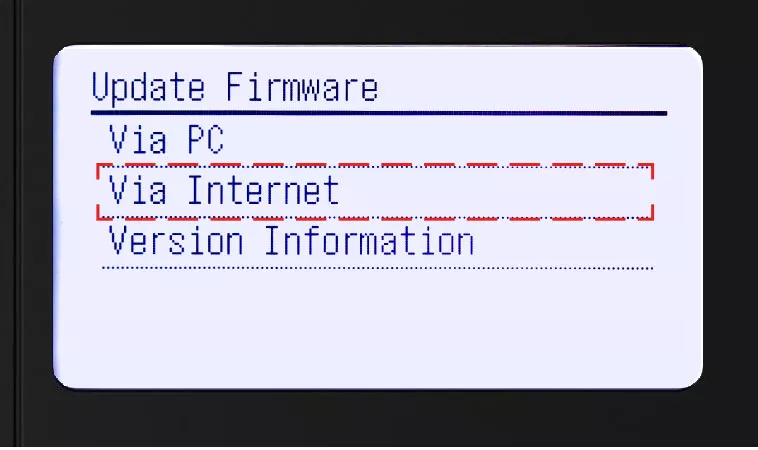
- Select Via Internet
- Install firmware update (if applicable)
- You will see a notification confirming that your firmware version is latest available
- If firmware update is needed, your device will power off and restart once the update is complete
Note: This step is necessary for online enrollment
Step 2: How to Retrieve Serial Number, Check Digits / Verification code
- Select Menu
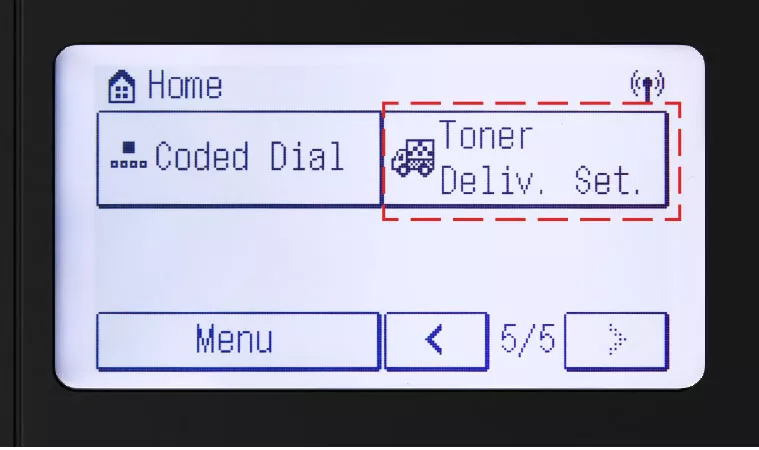
- Select Toner Dellivery Settings
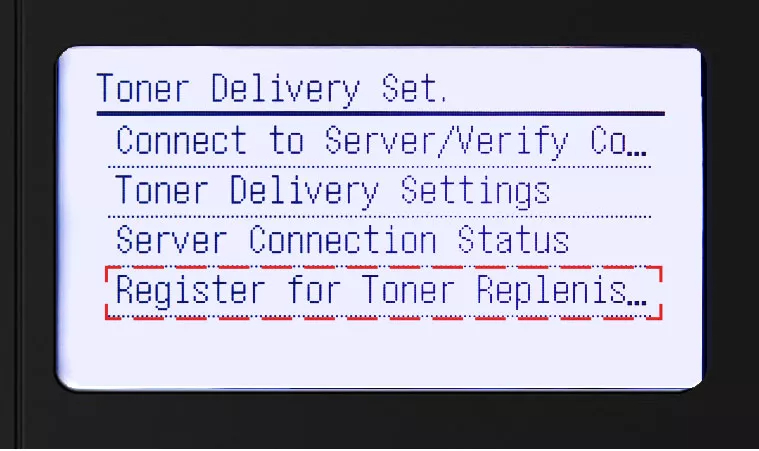
- Select Register for Toner Replenishment
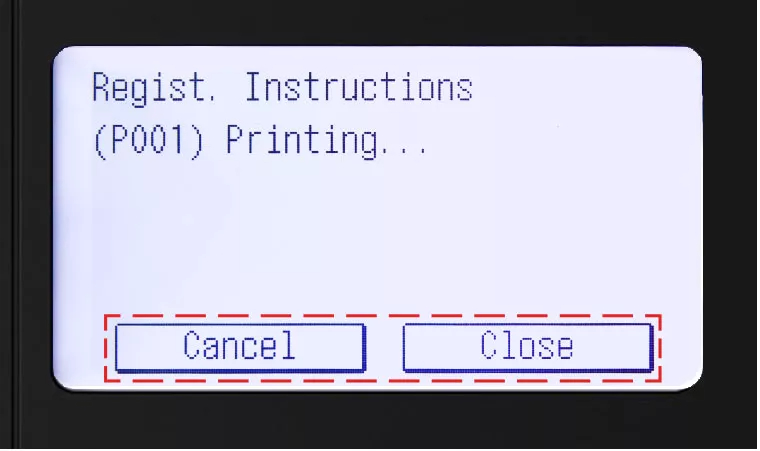
- Select Yes to print serial number and verification code
- Select Close to continue or Cancel to stop printing
Step 3: Activate Auto Replenishment Service
Follow above instructions to get to MENU
- Select Toner Delivery Settings
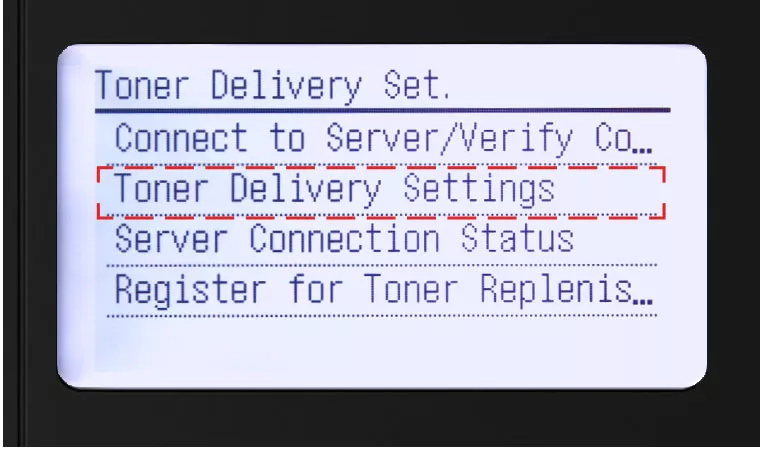
- Select Toner Delivery Settings
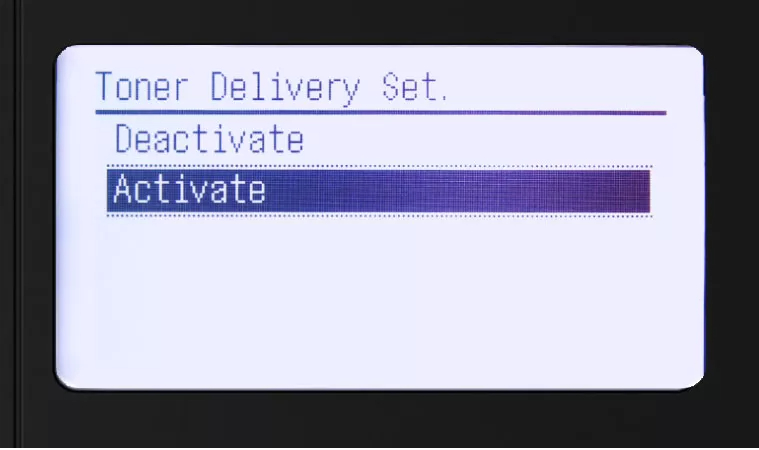
- Select Activate to begin setup
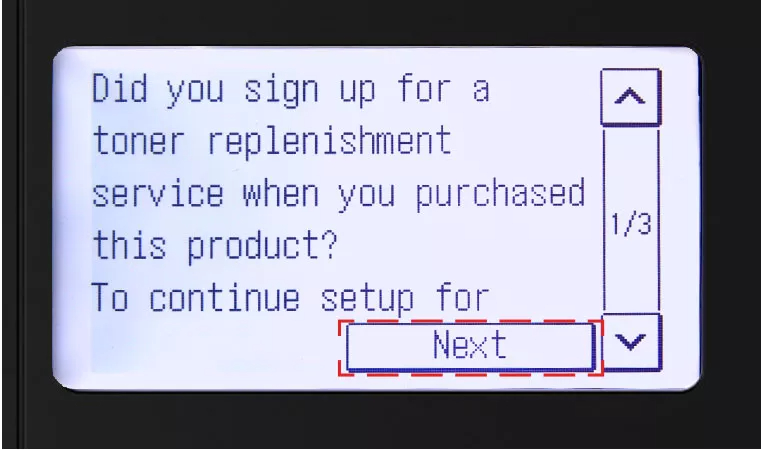
- Select Next button after reading first confirmation screen
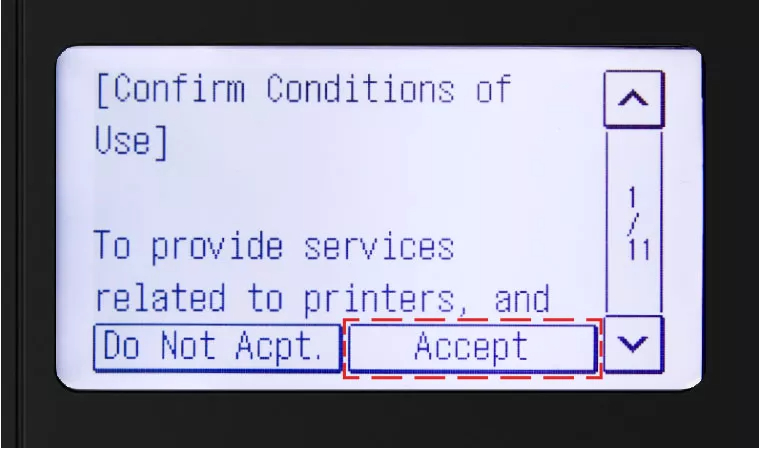
- Select Accept button to accept and continue setup


Step 4: Final Validation Steps
Next, you should see the validation screen below
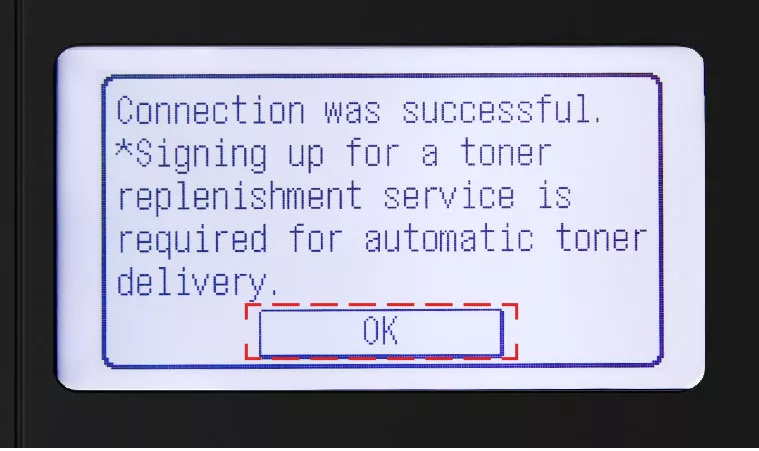
- Select OK button
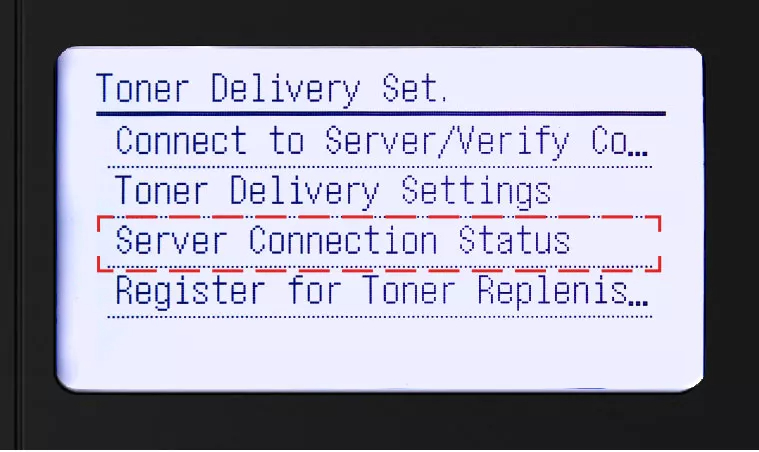
- If an error message occurs, follow on-screen instructions
- Check server connection status by selecting Server Connection Status
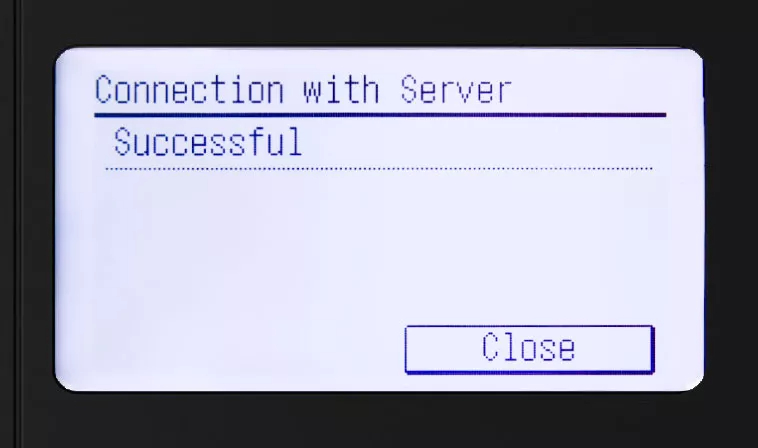
- You should see the following Successful screen
