5. Keep your footage steady and in focus
The compact size and light weight of Canon vlogging cameras such as the Canon PowerShot V10, Canon EOS R100 and Canon EOS R10 make them ideal for recording movement. A captivating vlog should take the audience on a journey with you – whether it’s through a city’s cobbled streets or showing your reaction to unwrapping your latest purchase – and movement can be key to that. Rather than shaky, distracting footage, make sure your shots are smooth so that viewers can focus on your exciting location or interesting story.
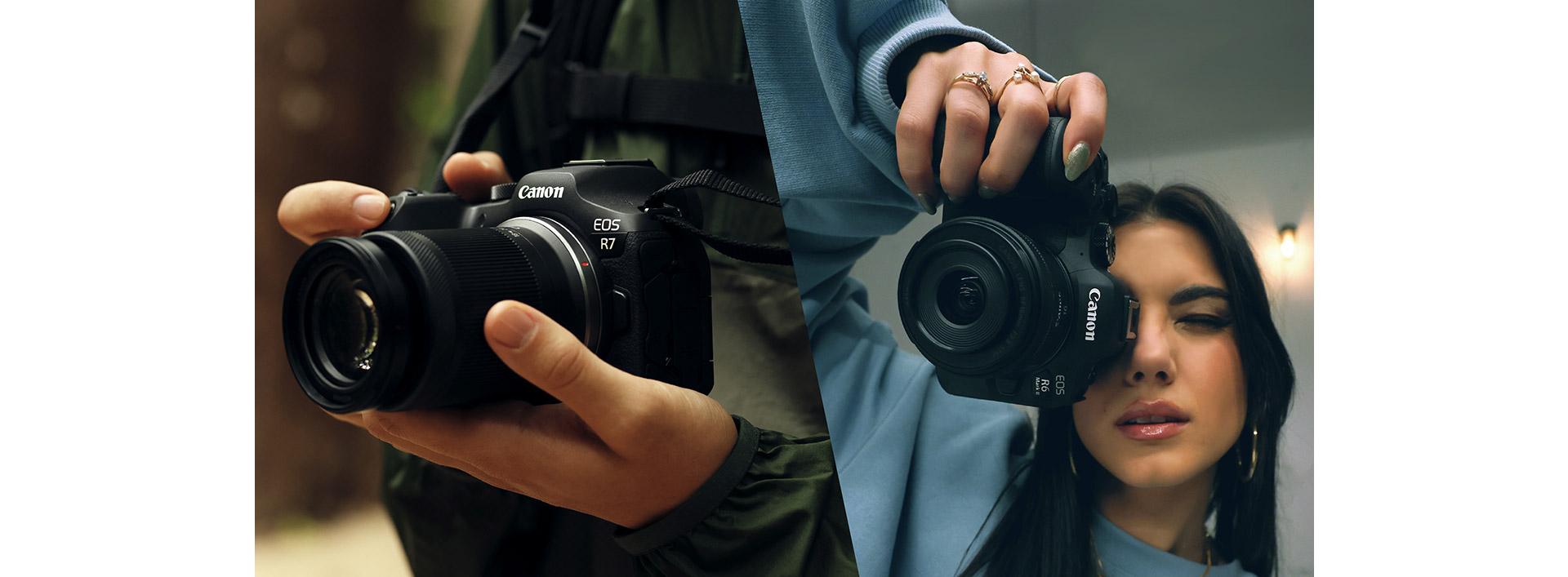
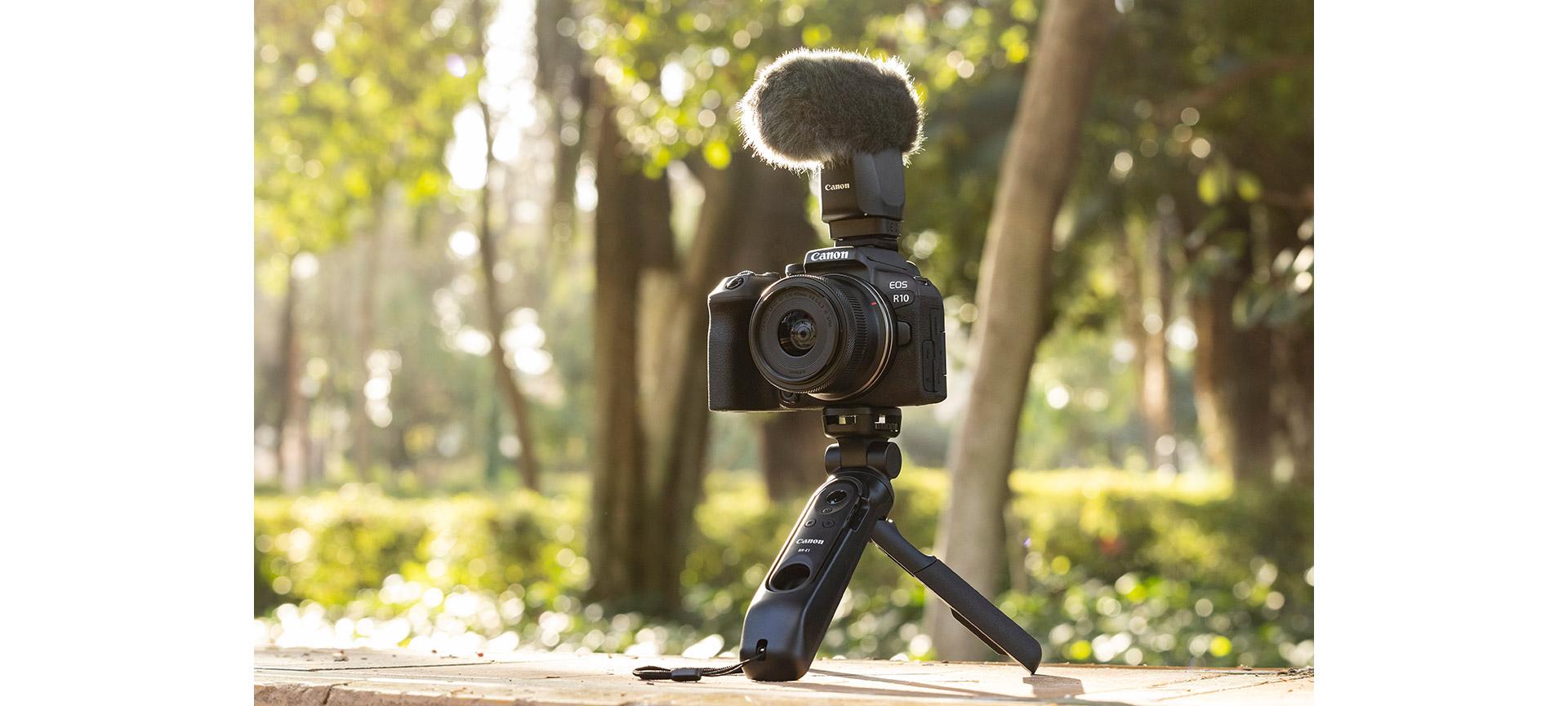
To keep shots steady, support the camera from underneath with the palm of your hand and grip it at the side. If you need extra support, a grip accessory that attaches to the camera body, giving you something to hold on to, can be a useful addition.
Technology can help a lot: for crisp and steady movies, use a lens with image stabilisation or a camera that features some form of IS. The PowerShot G7 X Mark III‘s 5-axis, Dynamic IS is designed to counteract camera shake even when you’re running, panning or shooting at full zoom. Some EOS R System cameras have sensor-shifting In-body Image Stabilisation (IBIS), which steadies the image no matter what lens is attached, but when you use a lens with optical IS on a camera with IBIS, the two IS systems work in tandem to tackle a wider range of vibrations than one system alone would correct.
As a vlogger, your face is the thing people will look at, so keeping it in focus is crucial. Canon’s Face Detection and Eye Detection technology can automatically track your face and keep it in focus.
6. Pan with purpose
Moving the camera horizontally during shooting, or ‘panning ‘, will allow your audience to see through your eyes – to be there with you as you look across a sweeping bay or a skyline filled with eye-catching buildings. Excessive panning can be disorienting, but when done in moderation it can add interest and drive the narrative.
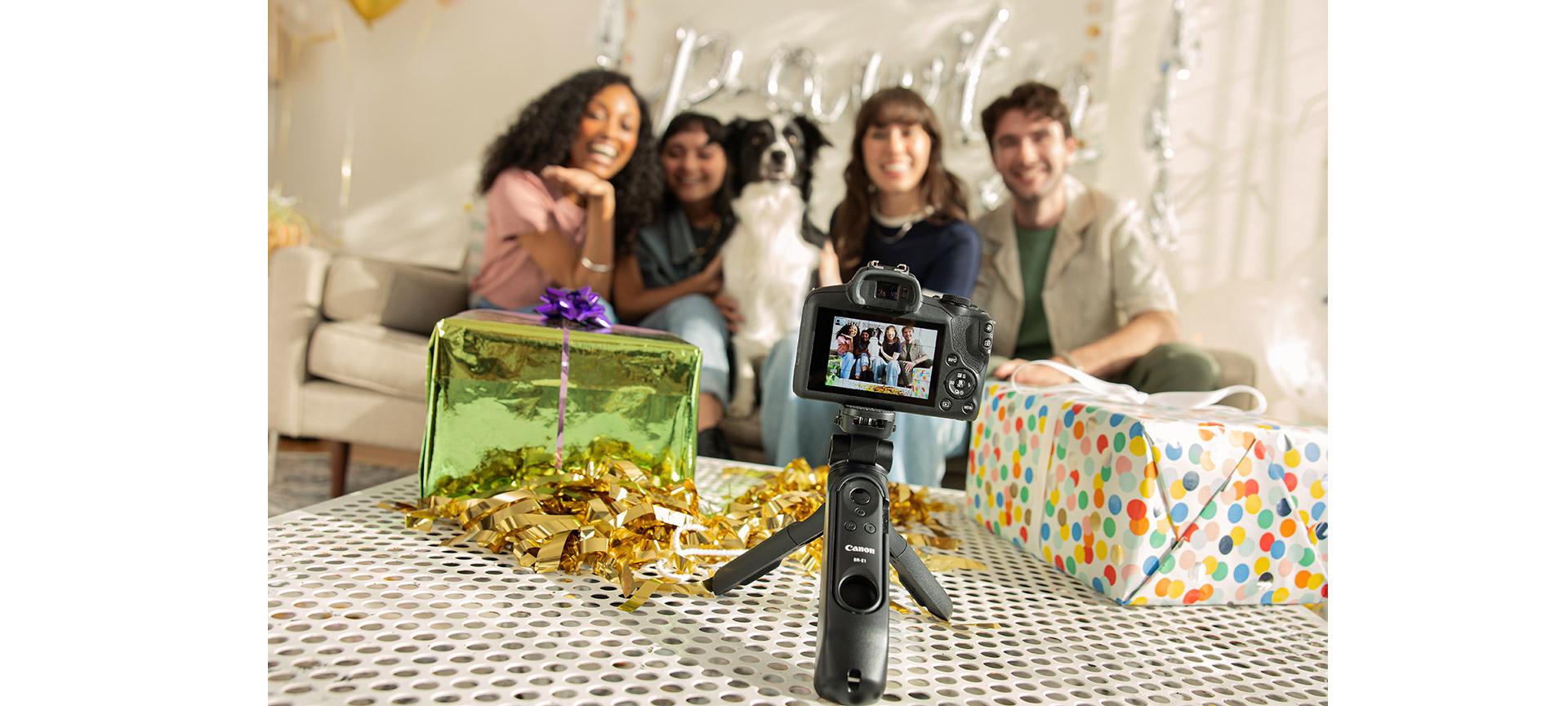
Use panning sparingly, without rushing, and keep horizons level. Some cameras, such as the Canon EOS R10, are equipped with a level indicator that helps you to do this. The IBIS in the latest EOS R System cameras, such as the EOS R7, also facilitates auto-levelling. If you don’t have a tripod, place the camera on something stable – such as the edge of a bench or a table – and move it steadily, with purpose, to the side.